Tłı̨chǫ VR
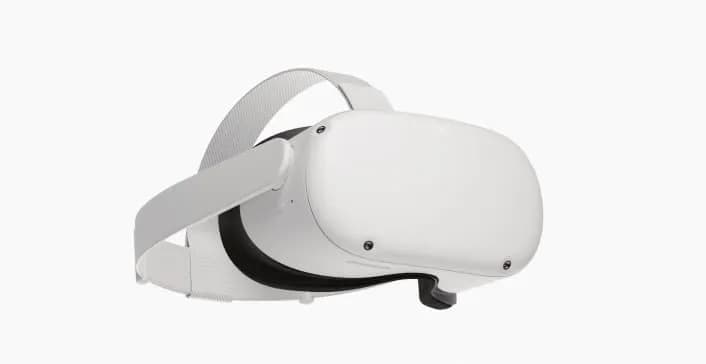
The Tłı̨chǫ VR headset contains a 20 minute virtual reality experience that allows viewers to see eight different locations in 3D video.
Before you begin:
- Make sure that the headset is fully charged.
- The experience is best enjoyed sitting in a chair that can turn.
- Make sure that the area you are in is free of obstacles.
- Make sure to sanitize the headset before using.
Sanitizing the headset
In between each use, you should sanitize your facial interface, nose area, and controllers with lightly-moistened, nonabrasive antibacterial wipes.
Alcohol wipes shouldn’t be used on lenses, but may be used on other headset components. Alcohol wipes can damage lenses, so use them with caution. For lenses, a simple glass cleaning wipe will suffice.
Navigating with your hands
The Quest headset can be operated using touch controllers or using or a series of hand gestures.
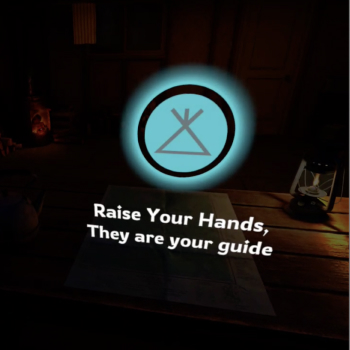
Once you have launched the Tłı̨chǫ VR application, navigating is even simpler: pushing a button with the palm of your hand.
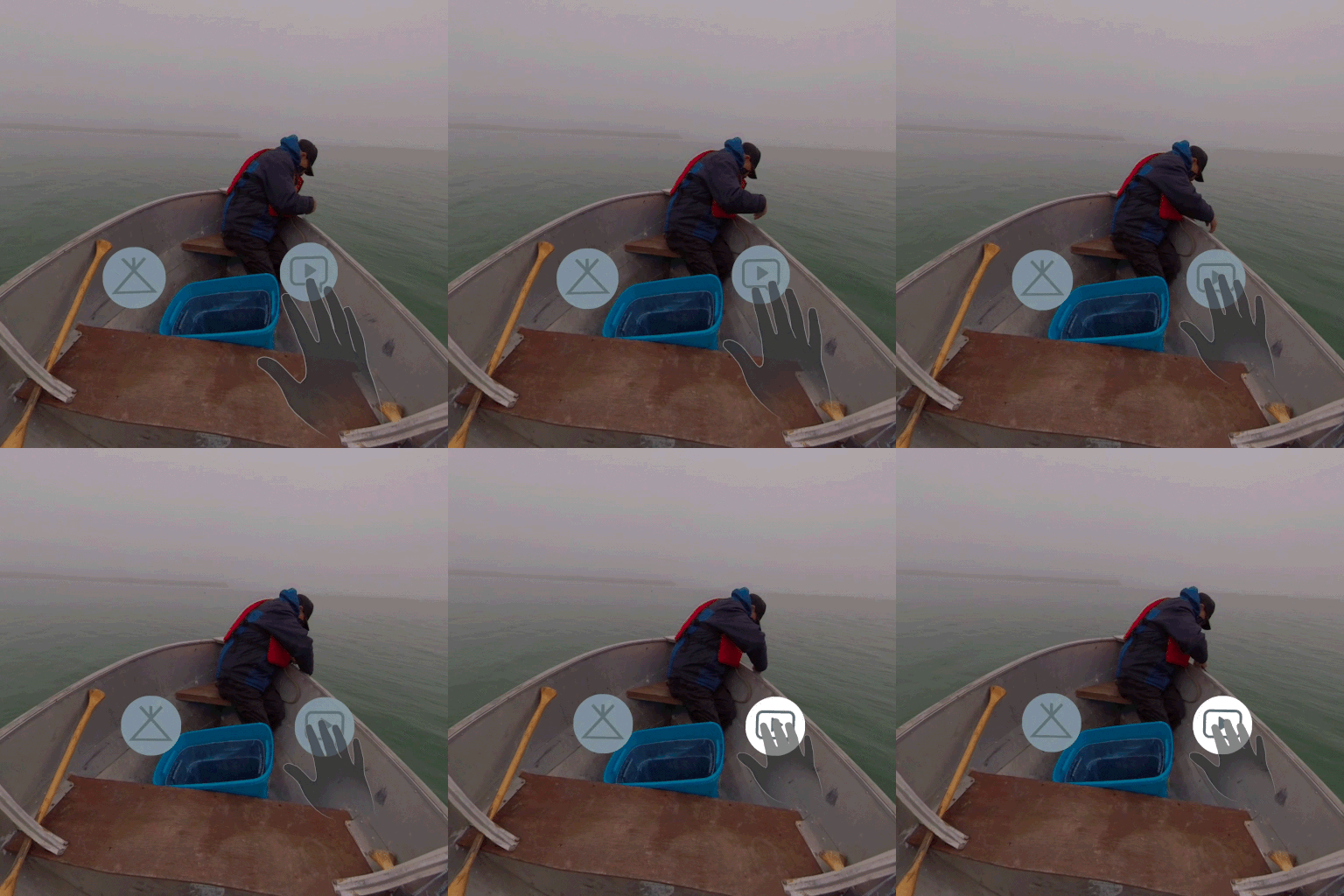
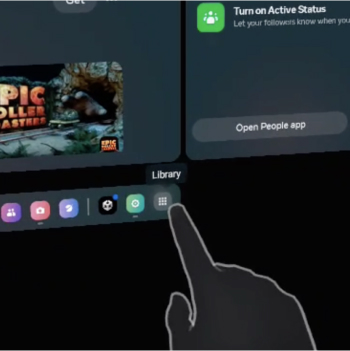
Opening the Tłı̨chǫ VR app
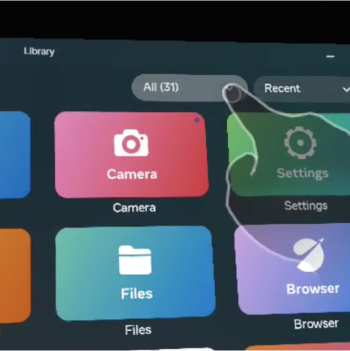
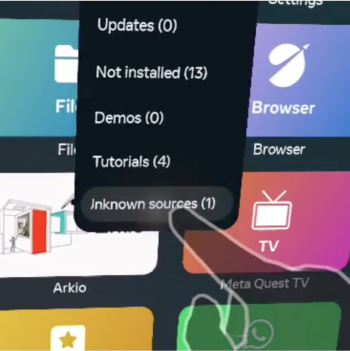
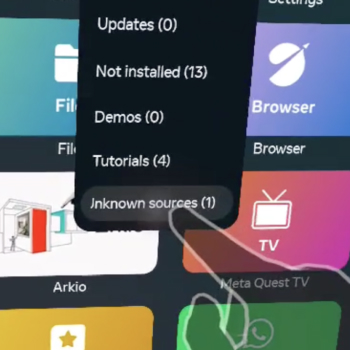
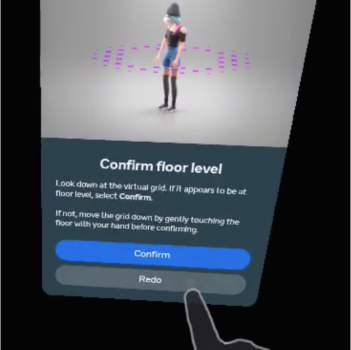
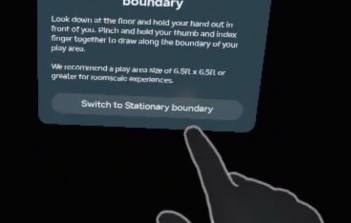
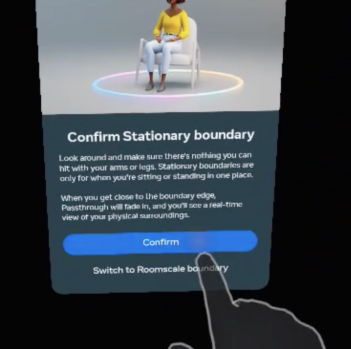
Setting up your boundary
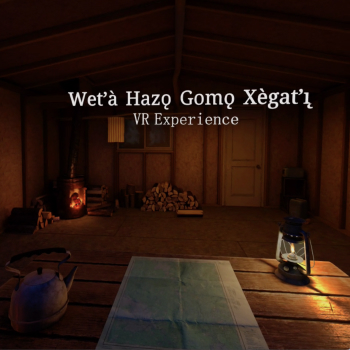
Using the Tłı̨chǫ VR app
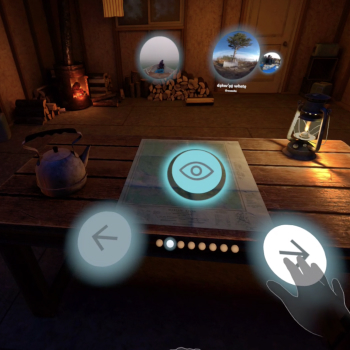
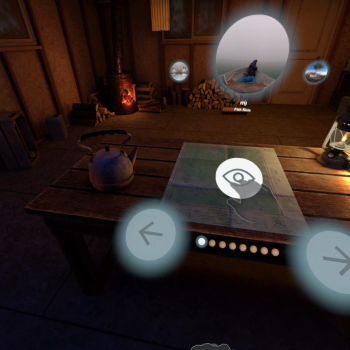
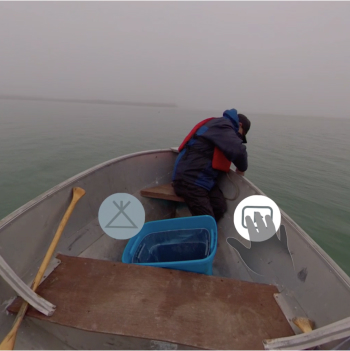
While in the location you can look all around you. Pressing on the speech bubble plays a short audio clip (English) about that particular location.
Pressing on the tent button brings you back to the hunting cabin where you can chose a new location.
There are eight locations to choose from:
- checking fishing nets
- a gravesite
- handgames
- Nàı̨lı̨ı̨ falls
- Footprint Rock
- smoking fish
- hide tanning
- drum dance
The video of the location loops after a few minutes.